
Reviews
Fashion Studio Styling Game focuses on themed photo shoots rather than open-ended dress-up. The photographer's requests give each session a clear objective, while the coin system and shop add a light progression loop. Two characters with separate item sets extend the styling options. The drag-and-drop controls and non-violent content make it approachable for children and casual players. The main limitation is that the core loop depends on repeating task-and-shop cycles, which may feel routine for players seeking deeper customization or story elements.
About this game
Styling for the Camera
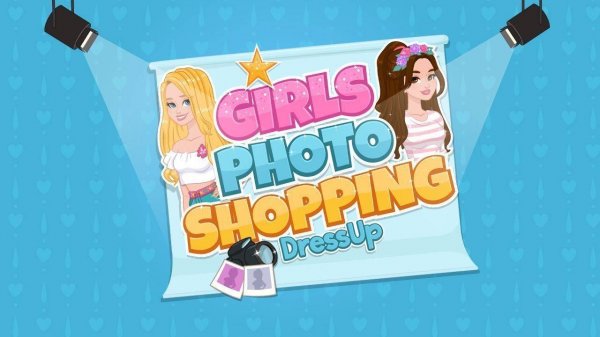
Fashion Studio Styling Game puts players in the role of a stylist working inside a cheerful photo studio. Two characters, Lisa and Maria, need to be dressed for themed photo shoots. A photographer sets the task—such as an elegant gown or a sporty look—and the player selects clothing, shoes, and accessories to match. Each completed task earns in-game coins that can be spent on new items.
Drag-and-Drop Dressing
Outfits are assembled with simple drag-and-drop controls. Players pick items from their collection and place them directly onto the character. There is no complex menu navigation, which keeps the focus on mixing and matching. Once the outfit is ready, returning to the photographer triggers the final photo shoot and completes the task.
Earning and Spending Coins
Coins are the main progression currency. Tasks pay out based on completion, and the in-game shop offers a rotating selection of clothing, shoes, and accessories. Because each character has her own set of available items, players may need to shop separately for Lisa and Maria. Prioritizing purchases that fit upcoming themes helps stretch the coin balance.
Creative Freedom and Safe Play
The game mixes task-based challenges with free-form styling. After meeting the photographer's requirements, players can experiment with different combinations just for fun. The bright, inviting studio setting and non-violent content make it suitable for children and anyone who enjoys fashion and dress-up games.
Compatibility
FAQ
Comments
Sign in to leave a review
No comments yet.









Editorial Notes